16,00 €
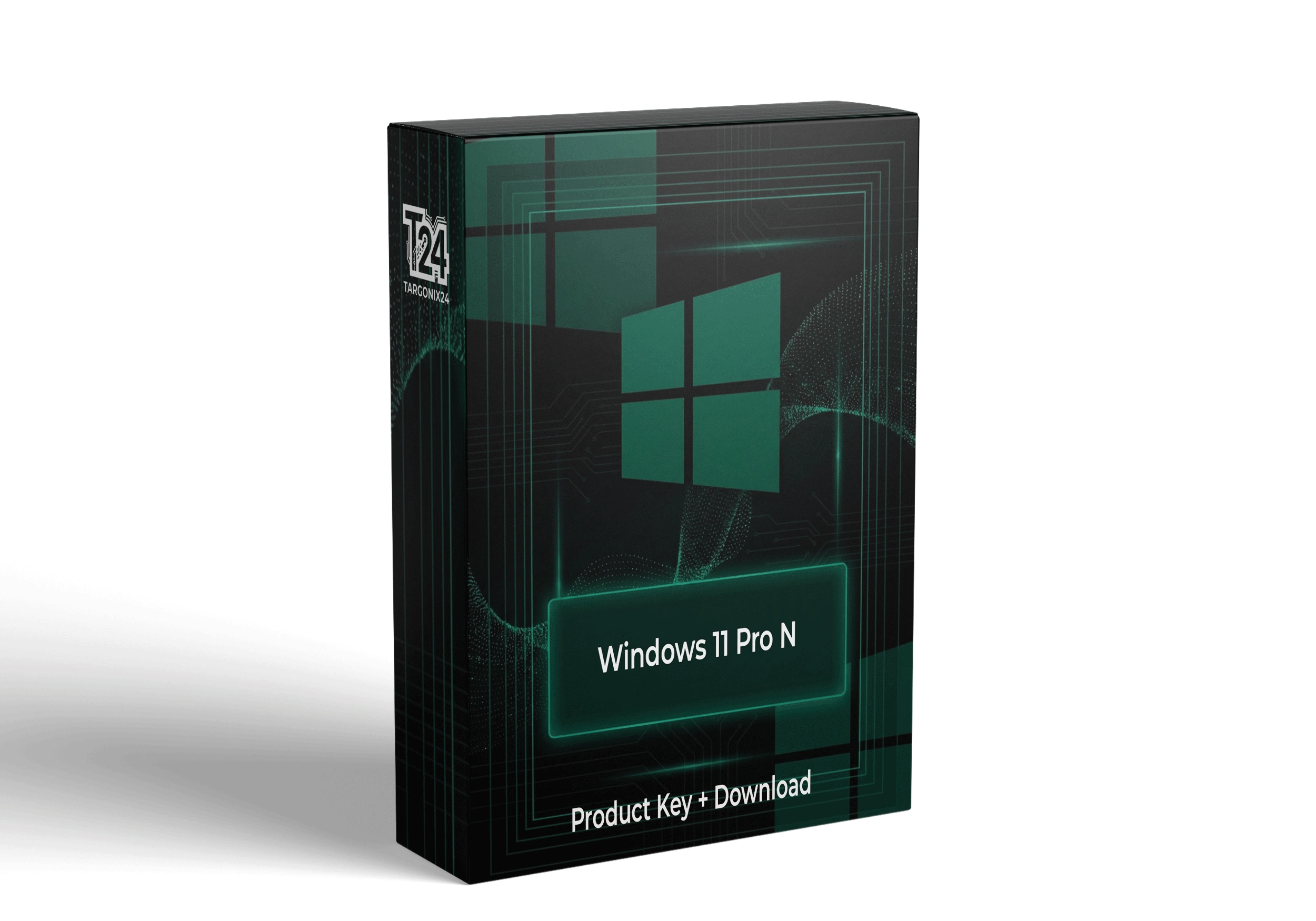
Microsoft — Windows 11 Pro N. Official retail license. 1 Year license for 1 Device. Instant digital delivery to your email.
Buy genuine Windows 11 Pro N license key with instant email delivery. The European Union version of Windows 11 Pro, identical in functionality but without pre-installed media apps. Perfect for EU customers and those who prefer a streamlined system without media features. Full Pro capabilities with BitLocker, Remote Desktop, and domain join.
Windows 11 Pro N is a special version created for the European market following EU antitrust regulations. The “N” stands for “No Media Player.” It includes all the features of Windows 11 Pro but does not include pre-installed Windows Media Player, Skype, and certain media codecs.
You can install media apps separately from the Microsoft Store or Optional Features if needed. Ideal for EU residents, businesses using third-party media solutions, or users who prefer a cleaner system.
| Feature | Pro | Pro N (This) |
|---|---|---|
| BitLocker Encryption | ✓ | ✓ |
| Remote Desktop Host | ✓ | ✓ |
| Domain Join & Azure AD | ✓ | ✓ |
| Hyper-V Virtualization | ✓ | ✓ |
| Group Policy Management | ✓ | ✓ |
| Windows Media Player (Pre-installed) | ✓ | ❌ |
| Video/Codecs (Pre-installed) | ✓ | ❌ |
| Skype (Pre-installed) | ✓ | ❌ |
Official European Union version. Fully compliant with EU regulations. All Pro features without pre-installed media apps you can add separately.
BitLocker encryption, TPM 2.0, Windows Hello, Secure Boot, and enterprise-grade threat protection built in.
Domain join, Azure Active Directory, Remote Desktop host, Group Policy management, and Hyper-V virtualization.
No pre-installed media apps means a leaner, faster system. Perfect if you use VLC, Spotify, or third-party alternatives.
One-time purchase — your license never expires. Activate on one PC and use it forever via Microsoft activation servers.
Full support for hardware-level security: Secure Boot, TPM 2.0, and Windows Defender for comprehensive protection.
Seamless Azure integration for hybrid cloud scenarios, identity management, and enterprise-grade sync.
Granular update control with deployment rings, pause, and quality/feature update management for IT admins.
If you need Windows Media Player or additional codecs, install the Media Feature Pack for Windows 11 N:
Alternative: Download VLC Media Player, Spotify, or other media apps from the Microsoft Store or their official websites — many users prefer these anyway.
Complete your order and check your email inbox (and spam folder) for the product key and download instructions.
Use the official Microsoft download link provided. Make sure to select the ‘N’ version ISO.
Create a bootable USB drive or upgrade from Windows 10. The N edition installs like any other Windows version.
Go to Settings > System > Activation and enter your 25-character Windows 11 Pro N product key.
If you need Windows Media Player, install the Media Feature Pack from Settings > Apps > Optional Features > Add a feature.
All license keys sourced from authorized Microsoft distributors. Verified authentic and unused before delivery.
Receive your product key by email within minutes. Automated 24/7 system — even on weekends.
We specialize in European N editions and provide detailed Media Feature Pack installation guidance.
Not satisfied? Get a full refund within 30 days, no questions asked.
Our knowledgeable team is always available to help with installation or activation questions.
One-time purchase. Your license never expires. Activate once and use it forever.
The ‘N’ stands for ‘No Media Player.’ Created for the European market following EU antitrust regulations. It excludes pre-installed Windows Media Player, Skype, and certain codecs — but includes all other Pro features. You can add them back via Optional Features.
Yes! While the N edition was created for Europe, it can be activated worldwide. Many users outside the EU prefer it for the cleaner system and freedom to choose their own media software.
Yes. Install the Media Feature Pack from Settings > Apps > Optional Features. This adds Windows Media Player and necessary codecs. Alternatively, use VLC or other third-party players.
Functionally identical for business and productivity use. Both have BitLocker, Remote Desktop, domain join, Hyper-V, and Group Policy. The only difference is the missing pre-installed media apps.
Yes, all games and applications work normally on Pro N. For games requiring specific codecs, install the Media Feature Pack or use the codecs bundled with the game itself.
Yes, you can upgrade directly while keeping your files and applications. Your PC must meet Windows 11 requirements (TPM 2.0, Secure Boot, etc.). The upgrade process preserves your settings and data.
Yes. All licenses sold on Targonix24 are 100% genuine and official. Each product key is verified authentic before delivery.
Product keys are delivered instantly to your email upon payment confirmation. Check your inbox and spam folder within 5 minutes.
Yes. Your license can be reinstalled on the same device as many times as needed. The license is tied to your user account.
We accept Visa, Mastercard, PayPal, Apple Pay, and bank transfer. All transactions are secure and encrypted.
incl. 19% VAT
Purchase & earn 47 points!Add to cart
incl. 19% VAT
Purchase & earn 47 points!Add to cart
incl. 19% VAT
Purchase & earn 50 points!Add to cart
incl. 19% VAT
Purchase & earn 34 points!Add to cart
incl. 19% VAT
Purchase & earn 25 points!Add to cartWe noticed you're visiting from Germany. We've updated our prices to Euro for your shopping convenience. Use United States (US) dollar instead. Dismiss
Reviews
There are no reviews yet.